nxtmemeCatch the next meme before it peaks
Open in the nxtmeme app →
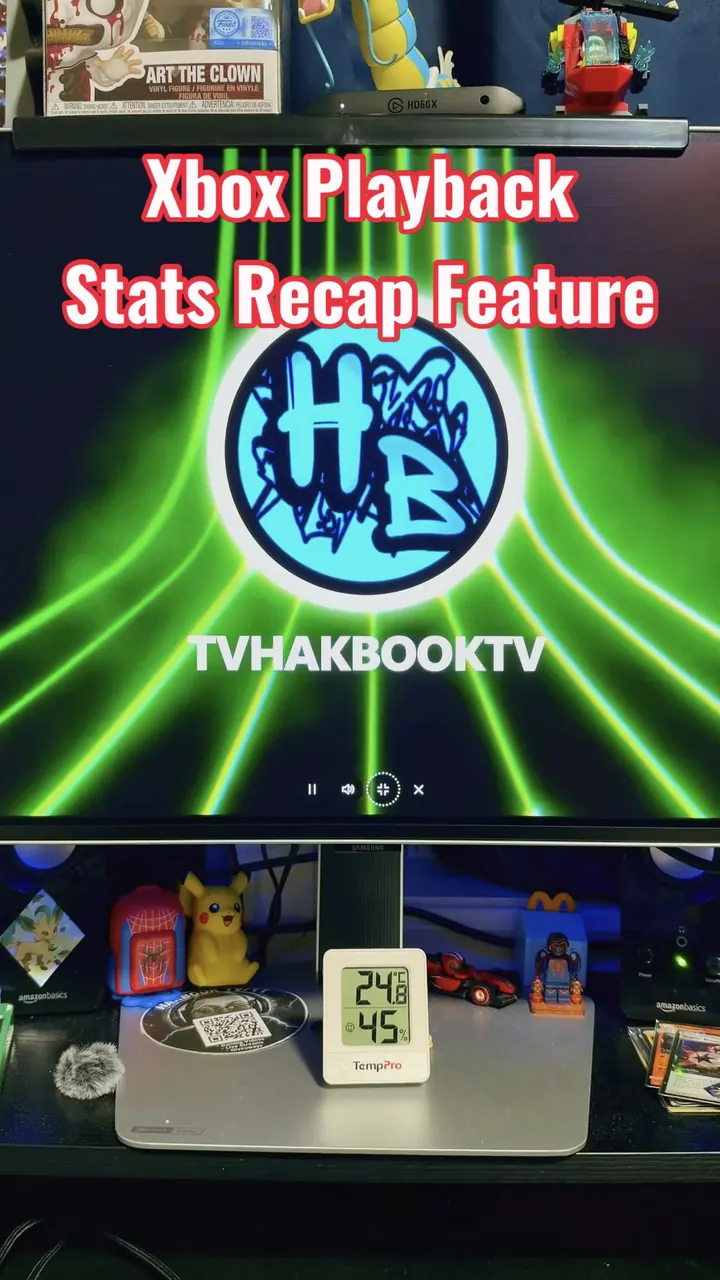
Xbox Playback year-in-review cards
Your Xbox gaming history turns into recap cards.
Time to make · 10 min
What you need
- Xbox account
- Screen recording
- CapCut app
- Reaction selfie clip
How to make it
- Open PlaybackSign in with your Xbox account, open until Dec 31
- Sign in with your Xbox account, then open Playback.
- It's only open until Dec 31, so film before then.
- Turn off notifications so no banners pop up mid-recording.
- Record your screenSwipe through the cards one by one while recording
- Start screen recording, then swipe through one card at a time.
- Pause 2-3 seconds on each card so the text is readable.
- Note where your gamertag or friends' names show so you can hide them.
- Add your reactionPut your face in a small corner window
- Film a separate selfie clip of you reacting to the cards.
- In CapCut, overlay the selfie on the recording and shrink it.
- Keep your face window in a corner so it doesn't cover the stats.
Shot list
- First game card 2s
- Playtime reaction 3s
- Most-played game 2s
- Share card 3s
Tip
Hide your gamertag and friends' names before posting.
Caption
My Xbox Playback just exposed my playtime 😭
#xboxplayback #xbox #yearinreview #gamertok #gaming
Example video
Xbox Playback FULL Player Recap Feature! #xbox #gaming · Hakbook