nxtmemeCatch the next meme before it peaks
Open in the nxtmeme app →
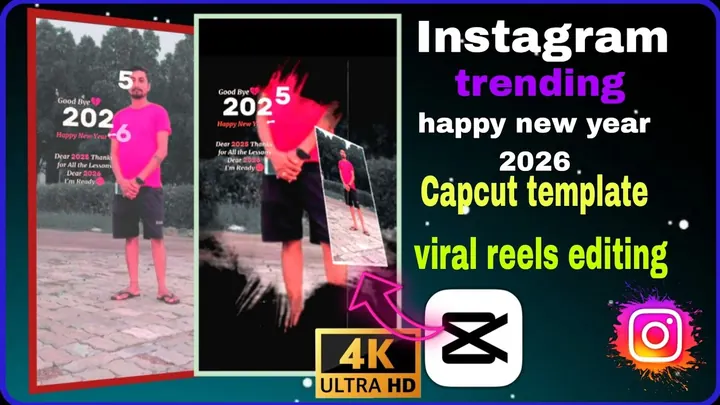
CapCut 2026 recap template
Your photos become a 2026 year-in-review video.
Time to make · 10 min
What you need
- CapCut app
- 12 photos, one per month
- Screen recording on
How to make it
- Find the templateSearch "2026 recap" in CapCut's Templates tab
- In CapCut's Templates tab, tap the search bar
- Preview 2-3 templates and check how many photo slots each has
- Turn on screen recording first if you want to show the process
- Add your photosOne per month, in order from January
- Tap photos starting with January, in order
- Get friends' OK or cover their faces with stickers
- Check the previewReposition any slot where a face gets cut off
- Tap any slot with a cut-off face and drag to reposition
- Play it through once, then export
- From the recording, clip just 2s of picking photos for the intro
Shot list
- January photo 1s
- Fast monthly cuts
- Best moment 2s
- 2026 wrap-up 2s
Tip
Get friends' OK first, or cover their faces with stickers.
Caption
My whole 2026 in one video ✨
#2026recap #capcuttemplate #yearinreview #capcut #fyp
Example video
FREE 2026 RECAPREELS VIDEO CAPCUT TEMPLATE | 2026RECAP REELS VIDEOEDITING |CAPCUTTEMPLATE · Lucky editar0m